


Microsoft Dynamics 365 CRM is a powerful customer relationship management platform that helps businesses manage sales, customer service, and marketing activities.
With the Microsoft Dynamics 365 connector, Spotler helps you bring marketing and sales closer together. All the rich account and contact information flows into Spotler, so you can build highly targeted campaigns. Every response and interaction then syncs straight back, keeping both marketing and sales teams aligned.




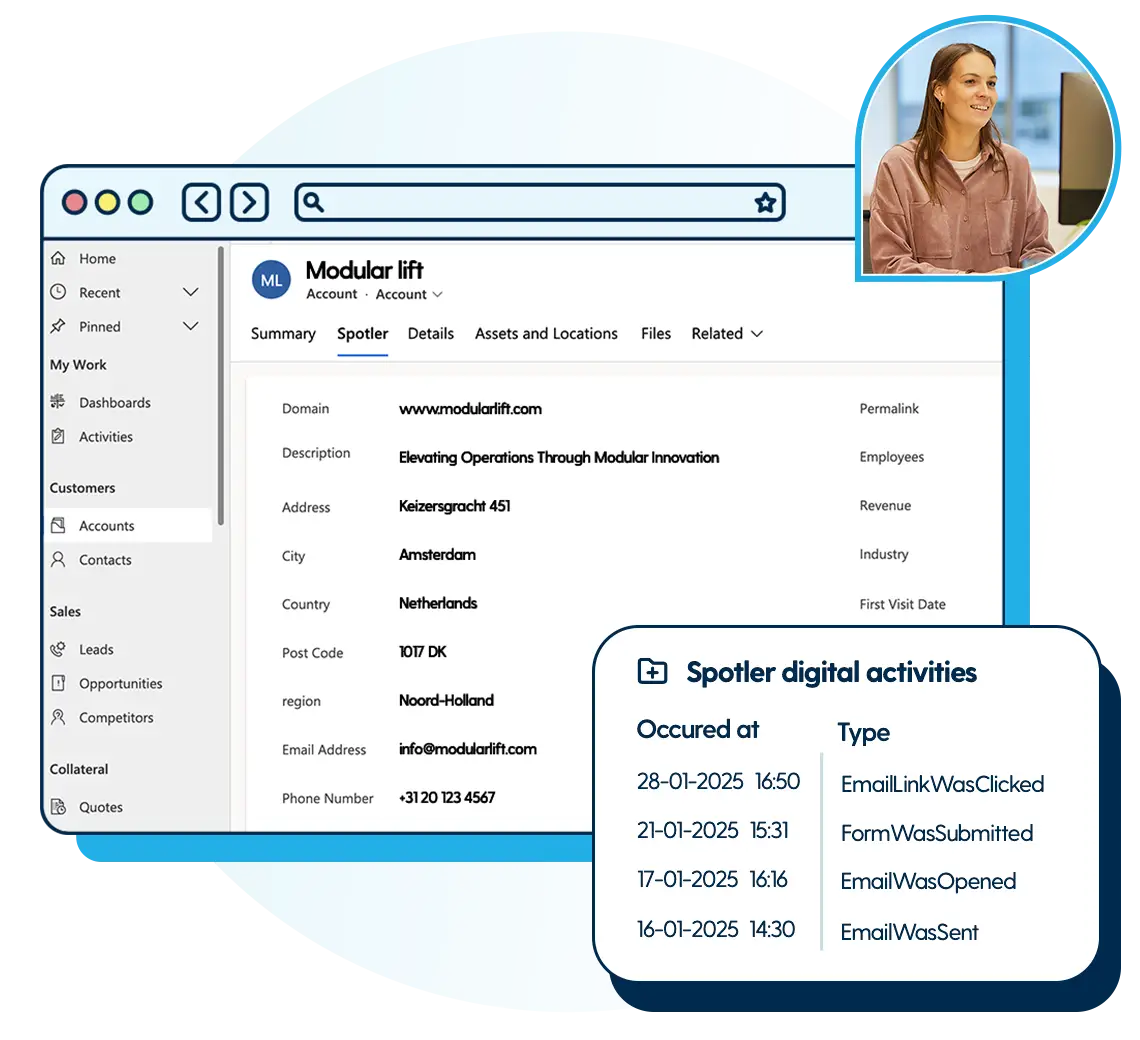
Keep your marketing and customer data fully in sync so you get a reliable source of truth. New contacts are added automatically alongside interactions with your campaigns, without the need for manual exports and imports. You can set up rules to customise how information is handled, from blocking the updates of unsubscribed contacts, synchronising mailing opt-ins, or logging event registrations as activities. This level of control keeps systems clean, builds trust in the data, and ensures teams always act on the most relevant information.
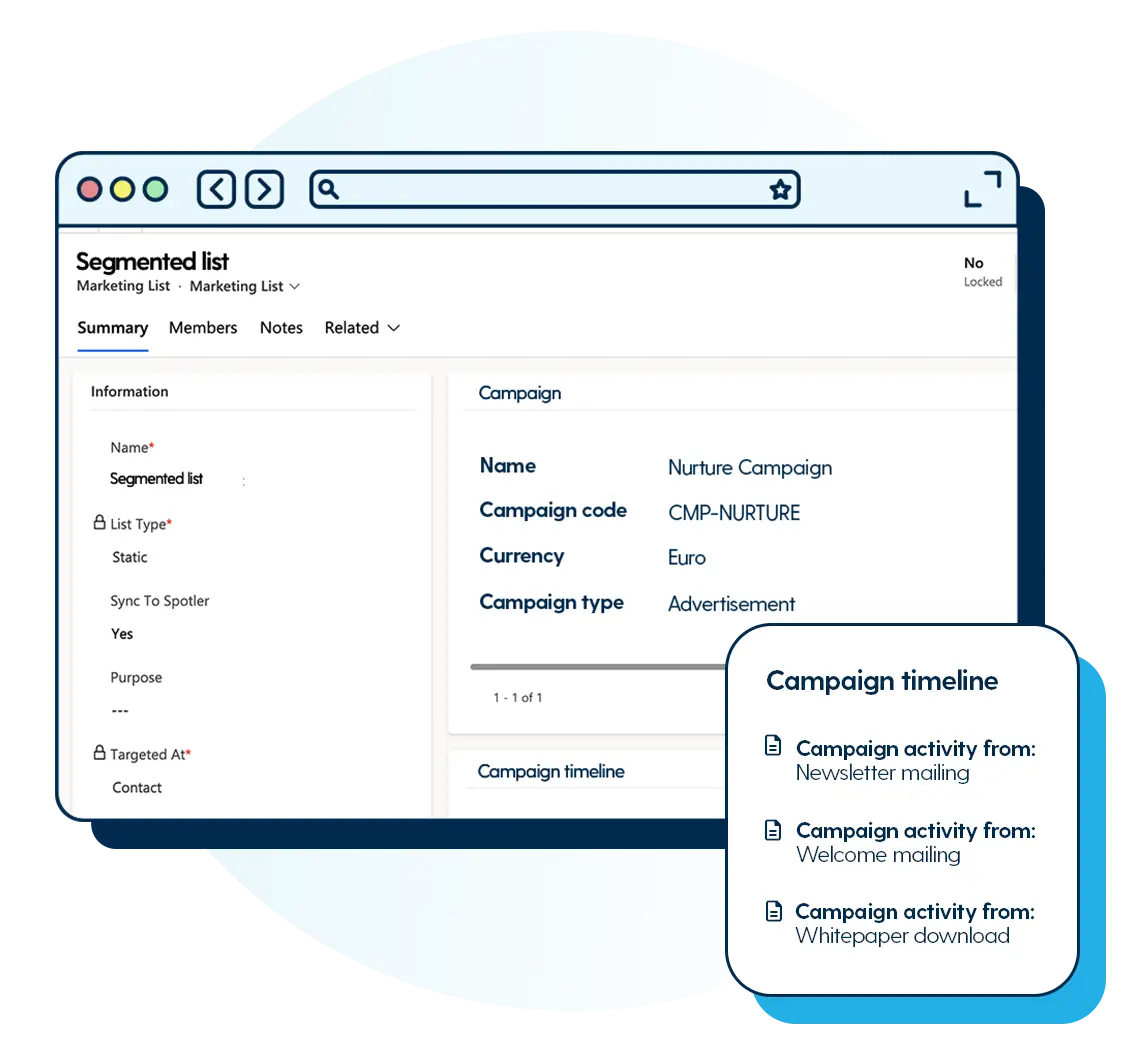
Easily build precise segments based on account and contact data to send highly targeted campaigns. Use personalisation fields to tailor messages or deliver completely different content per group. For events, that means inviting only the most relevant contacts, customising invitations by role or account type, and following up with tailored content depending on whether someone registered, attended or cancelled. This way, every campaign feels relevant to the recipient and adds real value by driving higher engagement, better-qualified leads and stronger customer relationships.
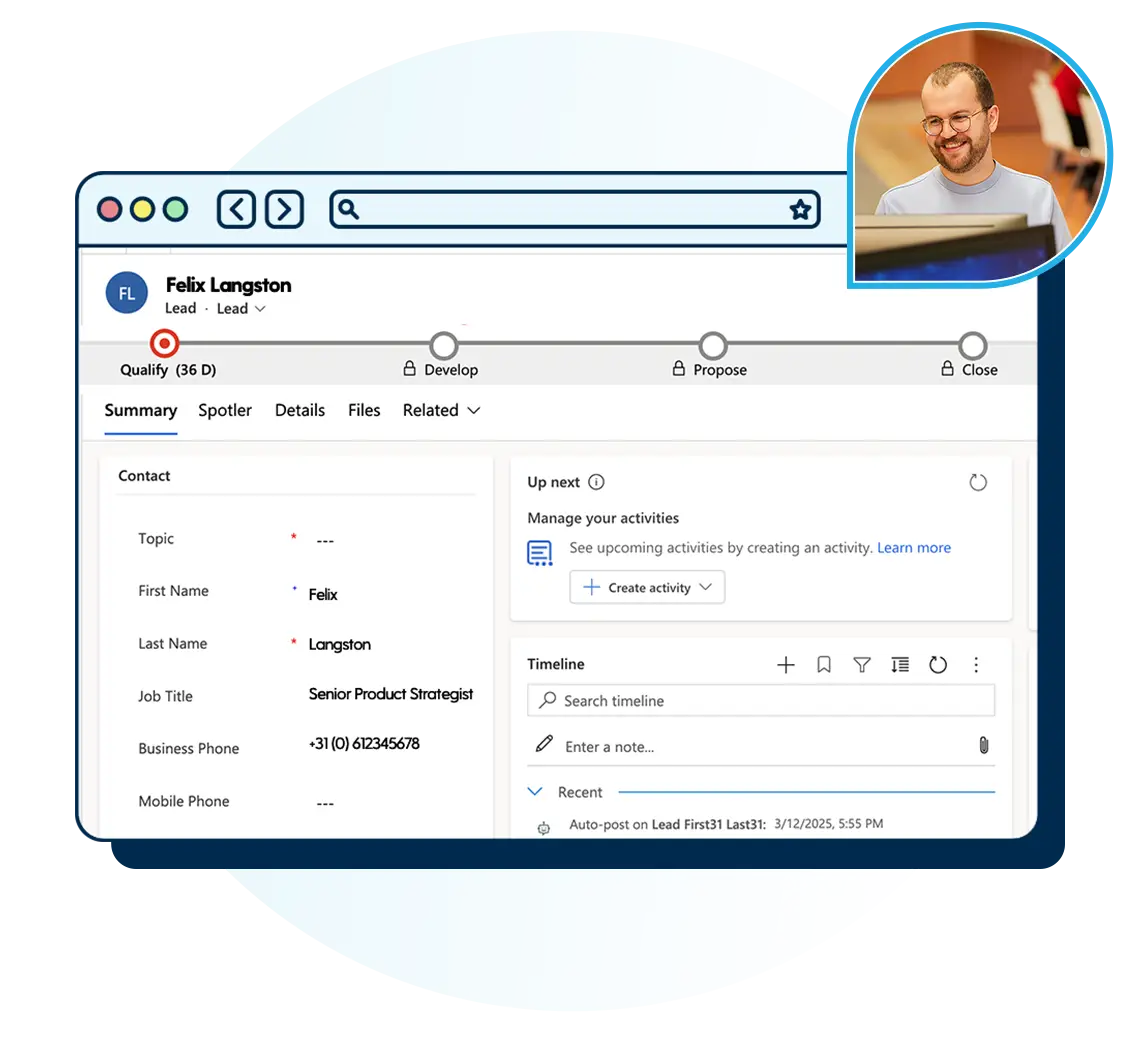
When all marketing and event interactions are logged in one central place, commercial teams gain powerful insight into engagement levels. They can see which contacts filled download forms, clicked emails, registered for events or actually showed up on the day. You can also use behavioural data to score and qualify leads. Sales teams get enriched activity timelines and auto-generated lead lists, while marketing can trigger follow-ups if contacts aren’t reached. The result? Smarter nurturing, tighter alignment, and better conversion rates.
When you set up the connector, you decide how new data enters your system. New form fills or identified companies can sync as new leads or new contacts, whichever suits you.
You can choose between static lists for one-off mailings or dynamics lists for repeating campaigns or for automations. When opting for a dynamic list, contact lists refresh every time someone is added to or removed. So your audience stays current without any manual tidying.
Yes, with custom field mapping. By default, one marketing permission is mapped for you, like your newsletter opt-in. Want to keep more permissions in sync? That takes custom field mapping when setting up your connector.
Plenty. You can send general newsletters or updates, segmented around what each customer cares about. Set up welcome journeys that trigger whenever someone subscribes. Send timely follow-ups after an event. Or nurture contacts after they download something from you.
That depends on the Spotler products you connect. You can see form fills, emails opened and clicked, pages viewed, and event registrations or attendance. It all shows at lead, contact and account level, right inside Dynamics, in a separate tab called Spotler Digital Activities. You can also use them as criteria when creating a report or a new marketing list.
When you link a Spotler Mail+ mailing to a CRM campaign in Microsoft Dynamics, opens and clicks also appear at campaign level, under campaign activities. That way you can see how your marketing is really performing.
With so many CRM platforms claiming to “boost productivity” or “streamline sales”, how to cut through the noise?
Read how VisitAberdeenshire chose Spotler CRM for customisation and value, achieving better planning and smooth adoption by the whole team.
Discover how One Education transformed their operations with Spotler CRM.



