


Archie gives sales and marketing teams a clear view of every contact, account, and customer interaction in one place.
You already know a lot about your contacts including their preferences and history. When all that knowledge already lives in Archie, why rebuild it from scratch every time you send a campaign?

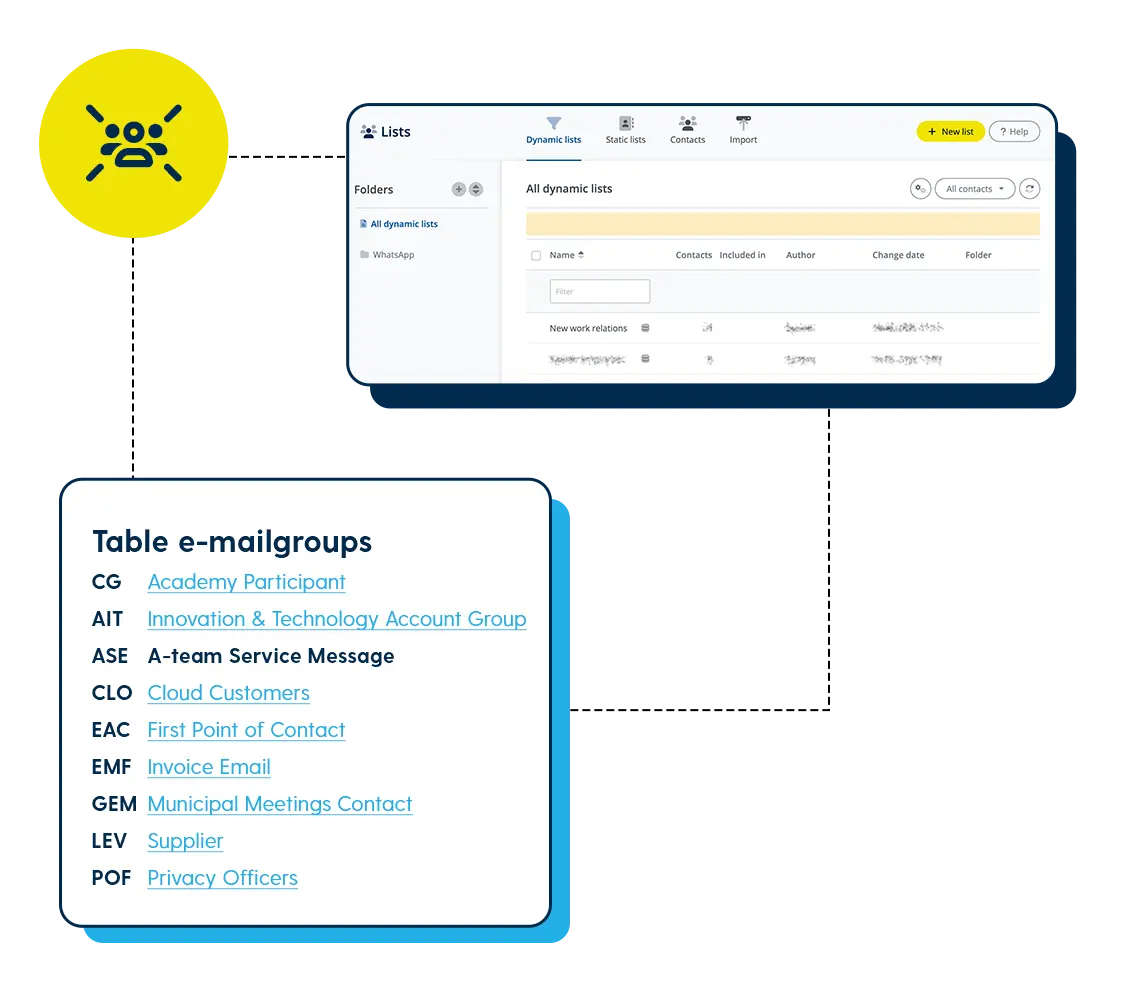
Picture this: you want to send a case study to a specific segment of prospects. Instead of exporting a list from Archie, cleaning it up, importing it into Mail+, and hoping the permissions are still correct, you just select your audience in Archie and go.
Your Archie contact data syncs directly into Spotler Mail+, so you always send from an up-to-date audience. Use that data to run newsletters, product and service updates, special offers, and personalised campaigns.
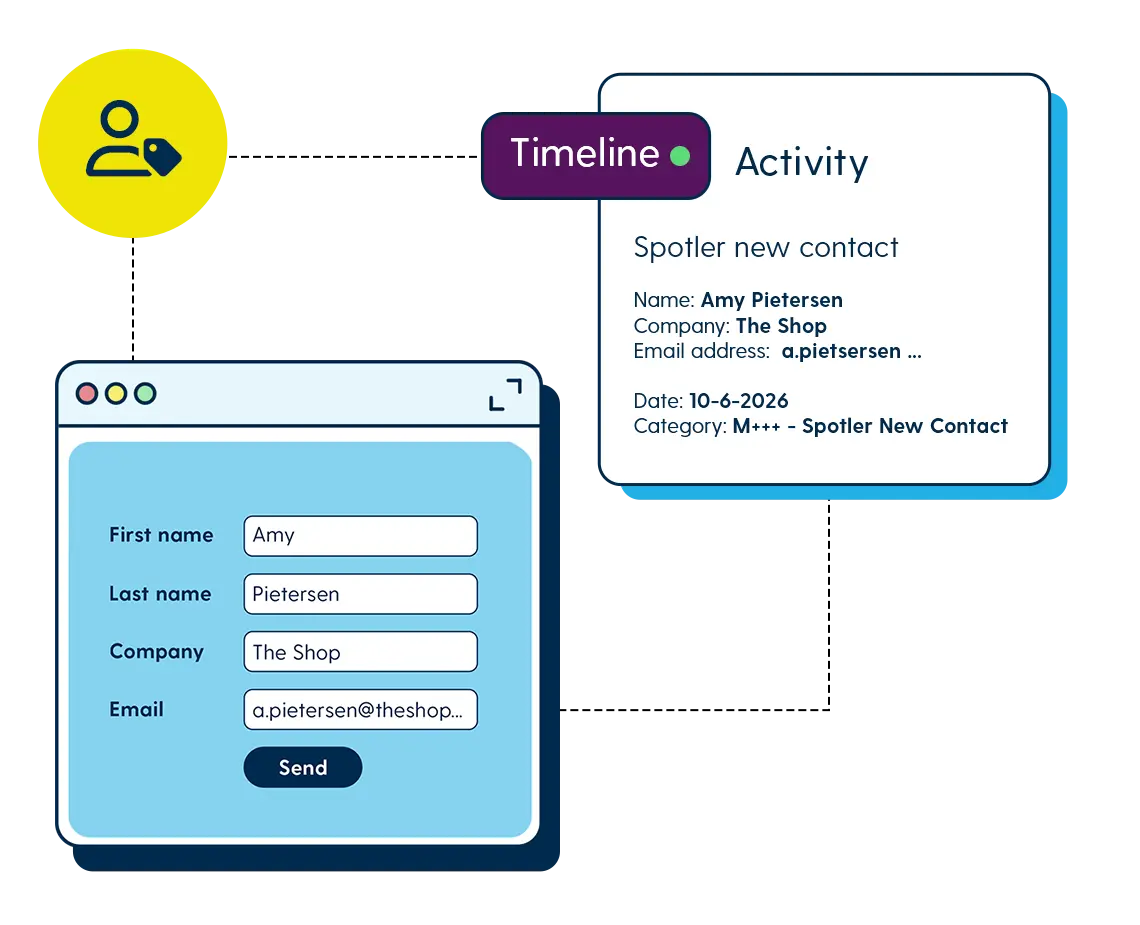
Every time someone fills in a form, you get a new opted-in contact and learn something useful. Who they are, what they’re interested in, where they came from. That information should live in your CRM, not sit separately in your email tool.
Form fills from Spotler Mail+ sync back into Archie automatically. You choose how they appear: as a contact activity, a campaign source, or a follow-up trigger. The result is a richer contact record with every interaction, so your next campaign starts from better data than the last.
A prospect opens your campaign email and clicks through to your product page. Your sales team should know about that before they pick up the phone.
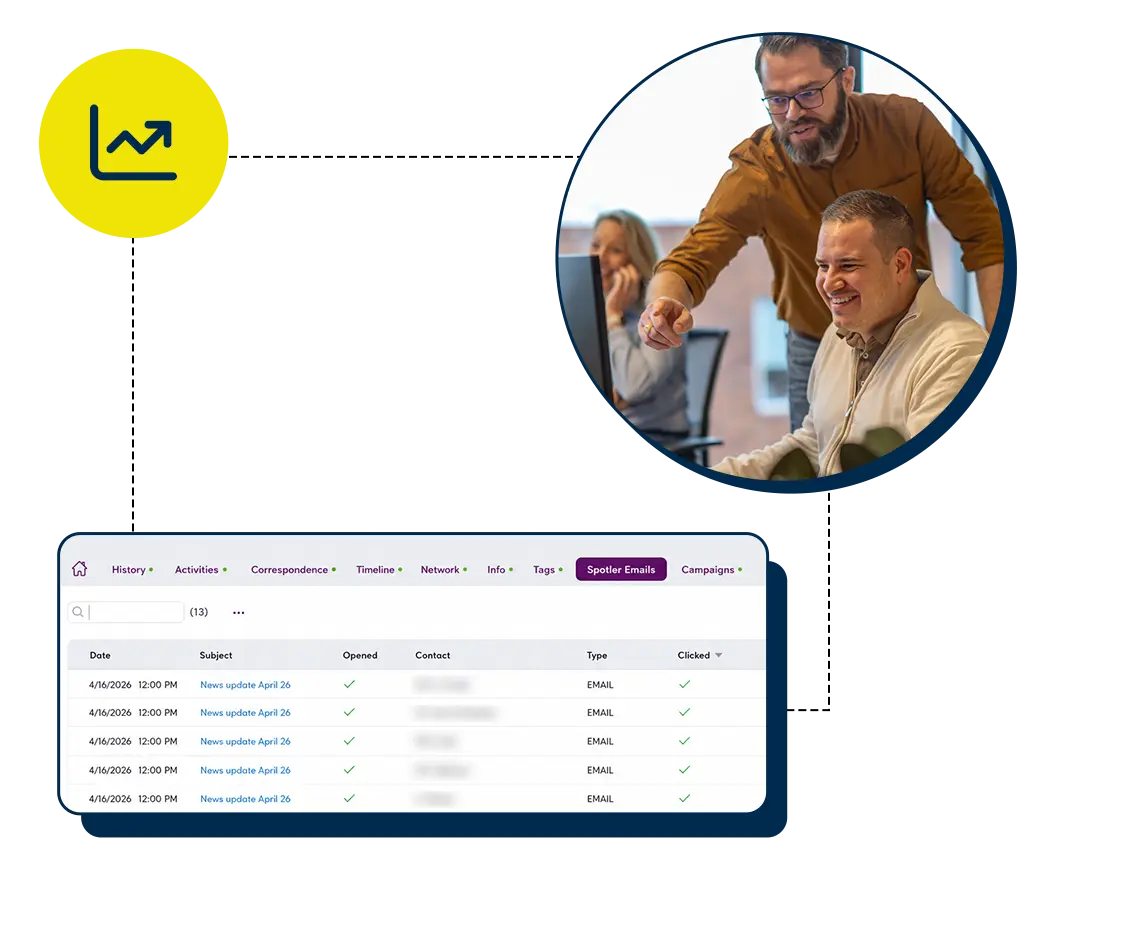
With this integration, they do. Mail+ campaign engagement, opens, clicks, bounces, and mailings sent, is visible directly inside Archie at both contact and account level. Sales can see exactly how a prospect has engaged with your campaigns without leaving their CRM. And when it makes sense to act, they can turn that engagement into a follow-up task.
Archie is the leading database, so contact and permission data always flows from Archie into Spotler Mail+. For one-off campaigns, you create a dedicated audience in Archie and it syncs across. For recurring sends like a newsletter, you manage the audience in Archie and refresh it manually when you want Mail+ to pick up the latest version.
You can see campaign results at both contact and account level, directly within Archie. For individual contacts, you can see whether they opened, clicked, or bounced, and you can even view what the sent email looked like. At account level, you get a summary of email activity and clicks across all contacts linked to that organisation. You can also report on how many new contacts were added via Spotler at both contact and company level, and use that data to trigger follow-up activities.
When an email address bounces, your team can then review the contact, update their email address or permissions, and remove them from the relevant mailing groups, all in one place. This keeps both your CRM and Mail+ data clean and protects your sender reputation over time.
Quite a few. Welcome and preference-capture journeys help you enrich prospect data from the moment someone enters your database. Follow-up automations can be triggered by sales activity or by what a contact does in a campaign. You can also send a one-off automated email to a single contact directly from Archie, useful for timely, personalised outreach. And with dynamic content blocks in Spotler Mail+, you can use contact fields from Archie like interests or job role to tailor what different contacts see within the same email.
Do you have any other questions?
Please feel free to contact. We will gladly answer all your questions.



