Every order in your shop starts a small email conversation. “Thanks for your order”, “Your new shoes are on their way.” “Your package has been delivered.” “Your refund has gone through.” Your customers read these emails because each one gives them information they want. But in most online shops, that conversation only goes one way. We send messages, the customer reads them, but no one asks how it went.
That’s a missed chance, particularly in online commerce. These emails arrive at the exact moments when customers have an opinion: they placed an order with you, their package just arrived, or a return was processed. So many experiences packed into one simple purchase. Ask one simple question during these moments, and you’ll hear what your customers really think while it’s still fresh.
The good news: you don’t need a new campaign, newsletter, or extra budget to start. You need to look at the emails you already send from a different perspective.
Six moments worth a question
Follow a single order from click to doorstep, and you’ll find at least six moments where a question fits naturally.
1. The order confirmation
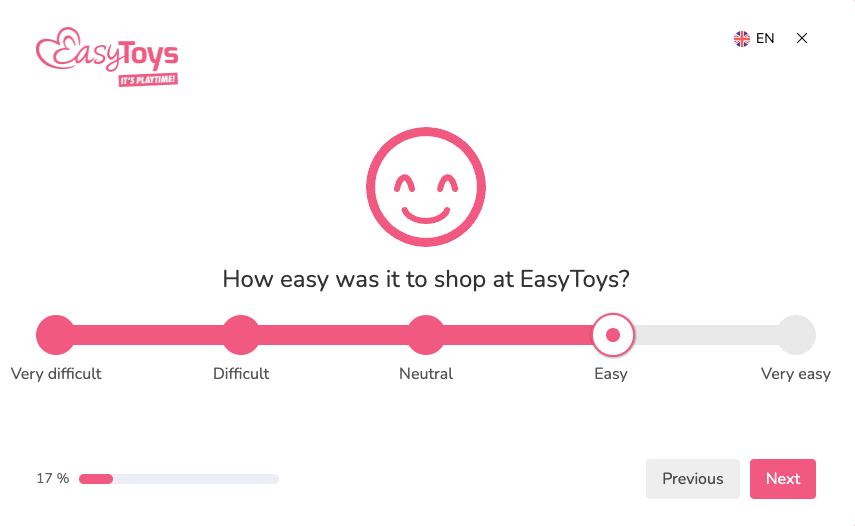
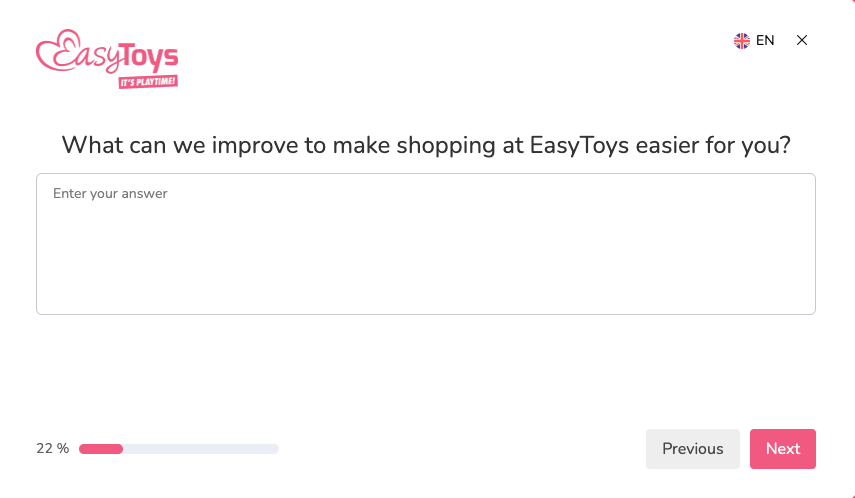
The customer has just paid. Was it easy? Did they find what they wanted? This is the only time you’ll hear about the shopping experience itself before the package becomes the focus.
Ask: How easy was it to place your order?
2. The delivery notice
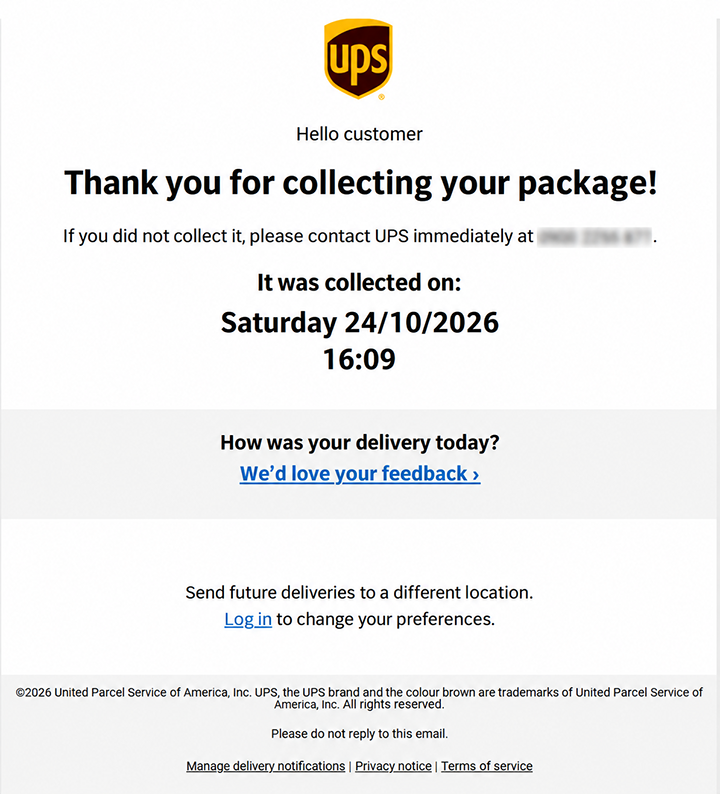
The package has arrived. Was it on time? Undamaged? Was the delivery person friendly? Delivery is often the part you have the least control over, so you want to hear about it.
Ask: How was your delivery?
3. A few days after delivery
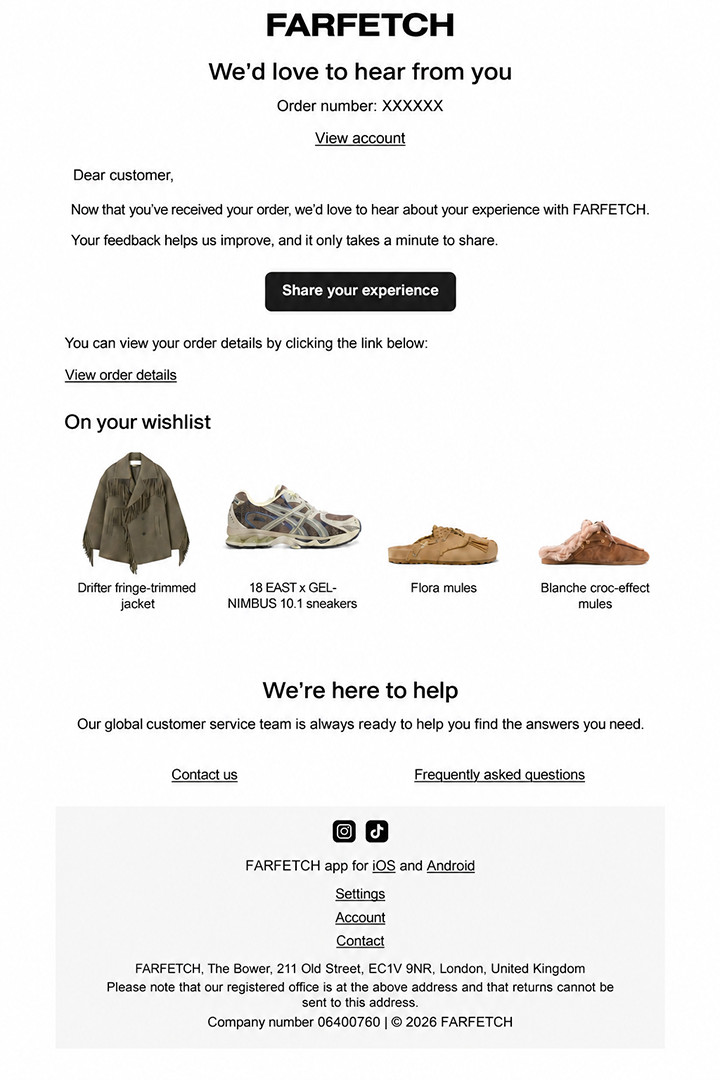
Now the customer has worn the shoes, used the blender, or read the book. This is the right time for a product review that is fair, honest, and helpful to other shoppers.
Ask: What do you think of your new [product]?
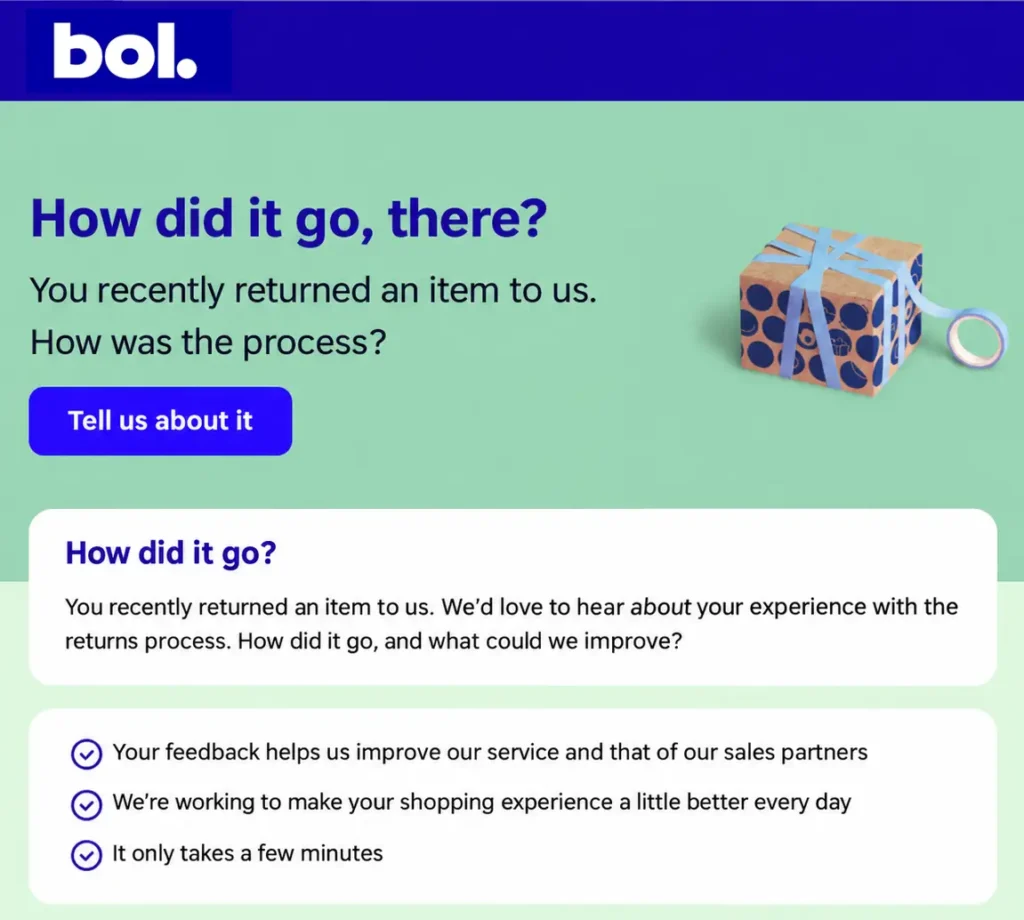
4. The return or refund
Returns may seem like bad news, but they have useful information. Was the size wrong? Did the colour look different online? And how was the return process? A smooth return can bring back a customer who might have left.
Ask: How easy was your return?
5. The customer service reply
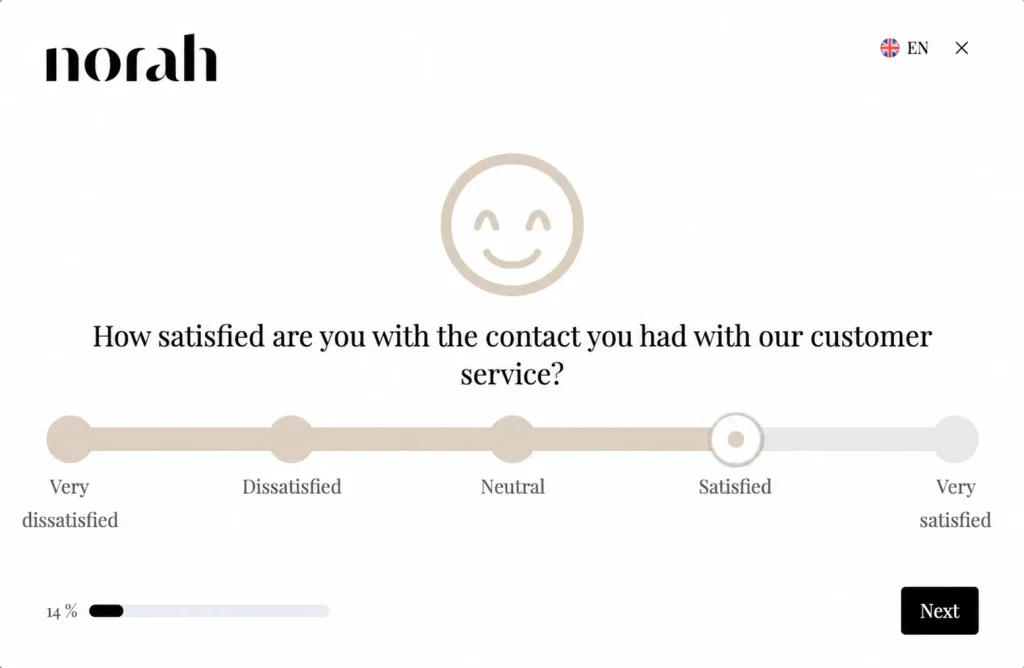
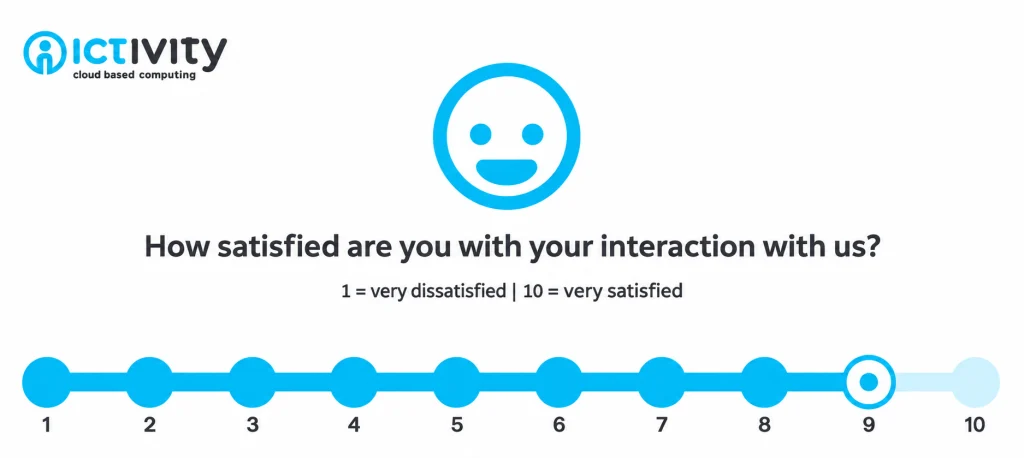
When someone’s question is answered, ask if it really helped. It’s the fastest way to see what your service does well and where customers run into problems.
Example question: How satisfied are you with your interaction with our customer service?
6. The repeat order
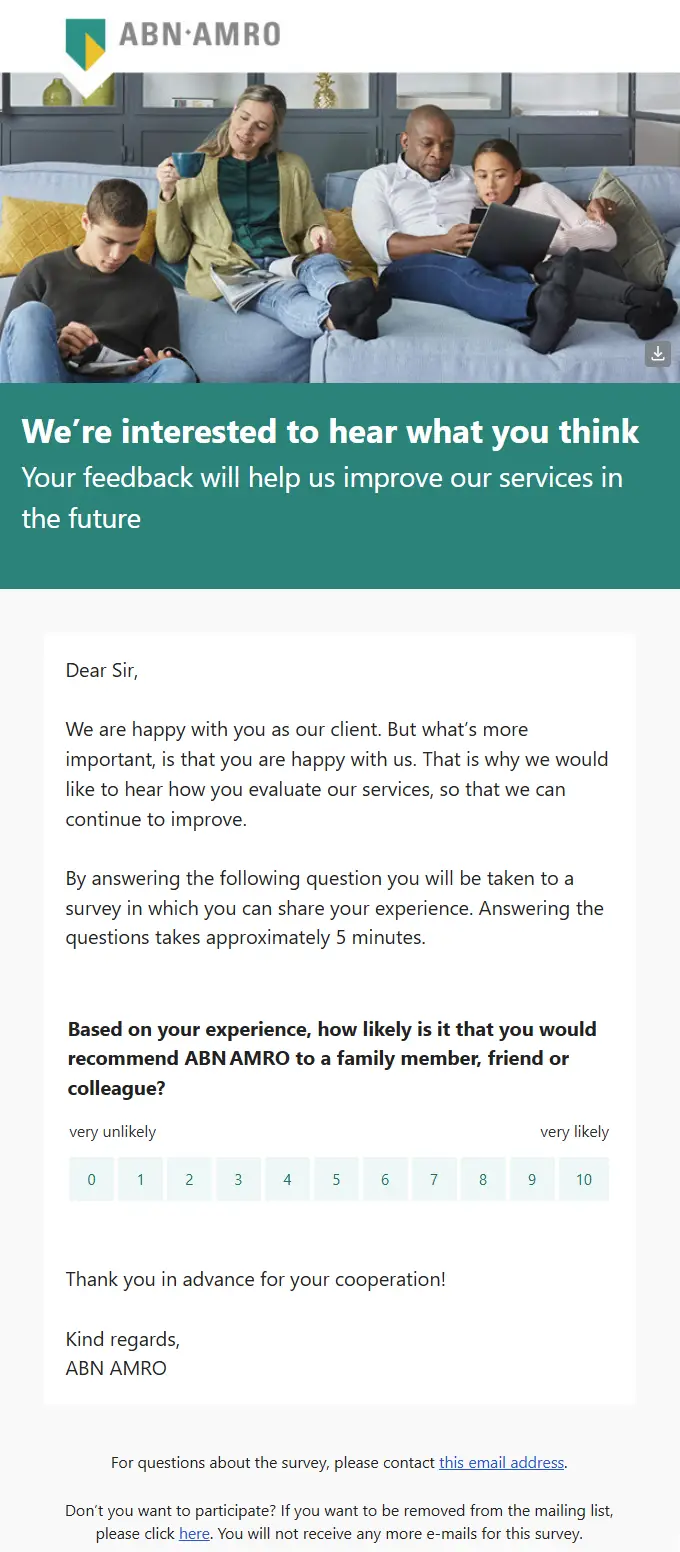
A second or third order shows loyalty. It’s also a good time to ask the bigger question: would they tell a friend about you?
Ask: How likely are you to recommend us?
One rule applies to all six: one email, one question. A delivery email asks about delivery. Asking about everything at once mostly tests your customer’s patience.
What your sales figures can’t tell you
Your sales report shows what happened. It can’t tell you why.
You can see exactly where a customer left the checkout, but not if it was because of shipping cost, delivery date, or a form that didn’t work. You can see a repeat order that never happened, but not that the package arrived two days late. A delivery can meet all your checks and still leave a customer unhappy because it didn’t meet their expectations. That rarely shows in your order data.
Short questions in your order emails fill in the why. And because each answer is linked to a specific order, patterns show up quickly:
- By courier: is one delivery partner causing most of the complaints?
- By product: which items delight people, and which disappoint?
- By region: do customers in one area wait longer than others?
- By store: if you also have shops, why does one branch score lower than another with the same layout and the same training?
- Over time: did that new packaging, or that new returns policy, actually make a difference?
There’s another benefit that’s easy to miss. When a customer gives a low score, you can reply. A personal answer within a day often changes a bad experience into a story about how well you fixed it.
What it looks like when it works
Imagine a normal Tuesday. A customer’s package arrives a day late, and she rates the delivery four out of five. Within a few hours, someone from your service team contacts her and already has her order details. She never has to explain anything twice.
A week later, you see that the same delivery person gets lower scores in one area. That’s a conversation to have with the courier, not a mystery hidden in your sales numbers.
Now compare that with the quiet option. A customer reports a problem, gets no reply, and orders somewhere else next time. You only find out from the sales numbers.
Your happiest customers can speak for you. If they agree, you can share their feedback as a review on your own channels, so good feedback does more than improve things. It helps get the next order.
Audit your own emails (30 minutes)
The easiest way to find your chances is to become your own customer. Place a test order, return something, ask customer service a question, and save every email you get. Then look at them with these questions in mind:
- Which emails arrive straight after something the customer has experienced?
- Which of those already ask a question, and which give information?
- Where would one question feel natural, not pushy?
- Is the important information (order details, tracking, returns) still clearly at the top?
- Would a customer who orders often be asked too often?
- Who in your team would read the answers, and who would reply to an unhappy customer?
That last question is the most important. Asking for feedback is only half the job. The other half is showing customers that someone read their answer.
While you’re at it, see what other shops do. Your own inbox has many examples, good and bad, and you’ll quickly notice which ones you’d want to answer.
Examples:
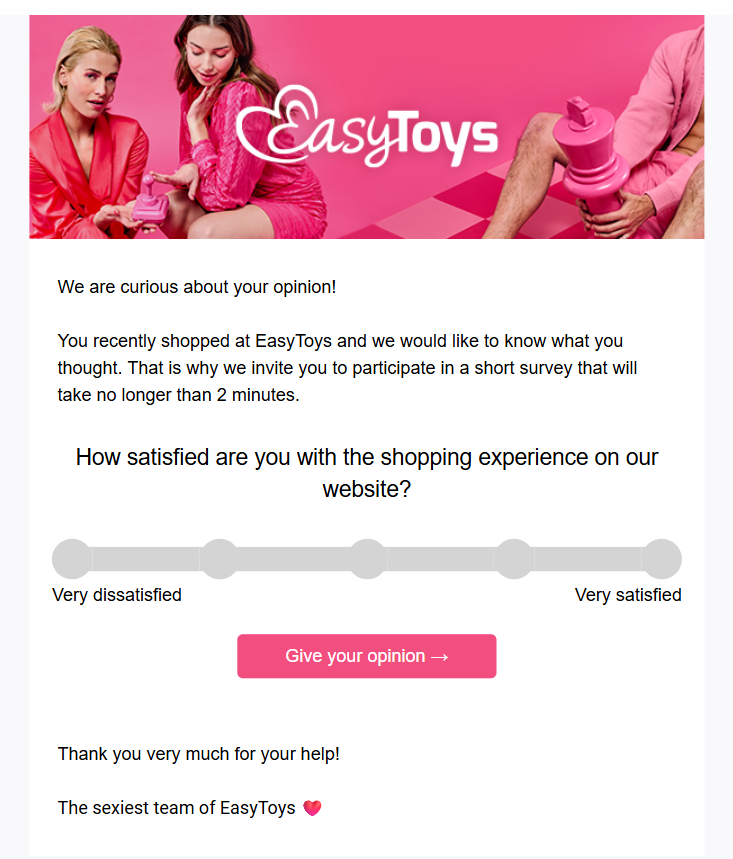
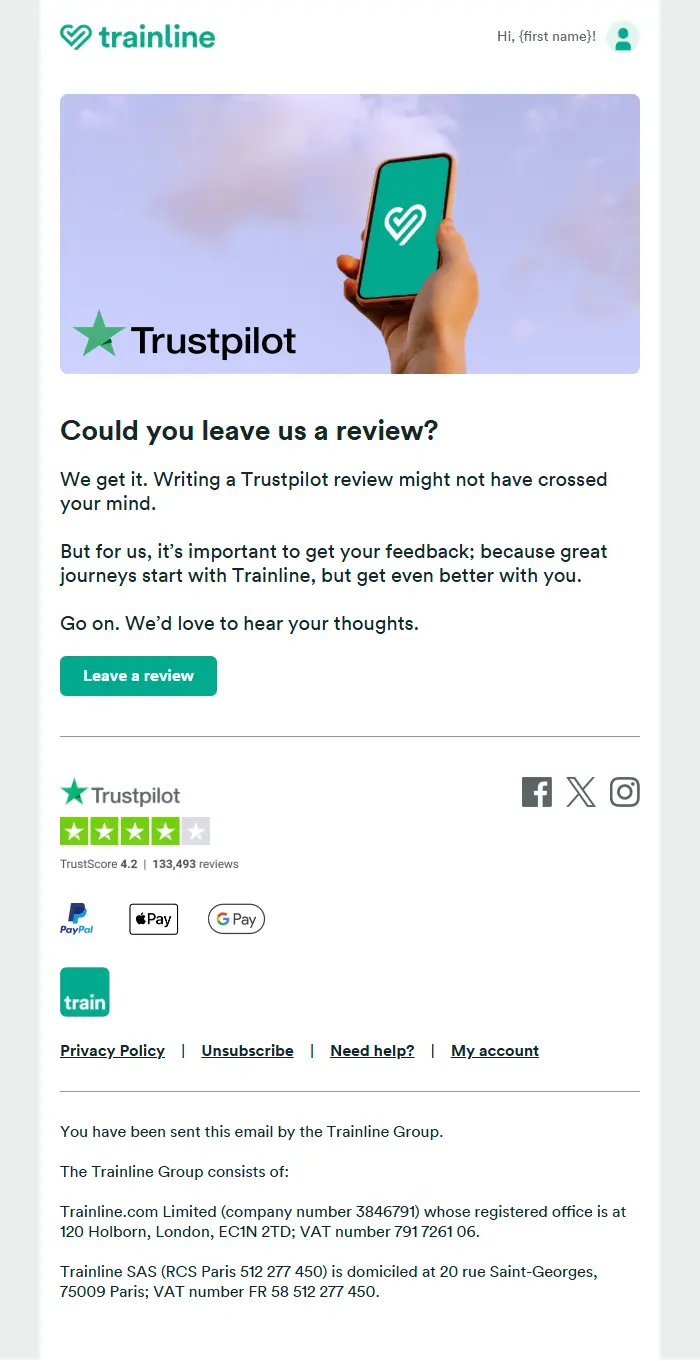
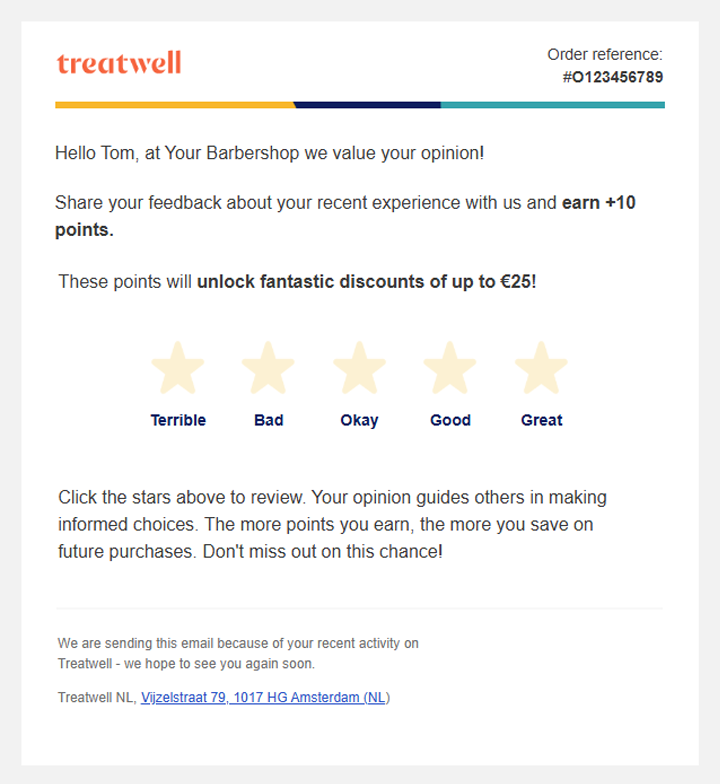
Choose one email to start with. The delivery notice is usually the best choice: customers expect it, and the question is clear. Once that works, add the next step.
Where Spotler comes in
Two Spotler products work together here, and everything you already use stays the same. Your webshop, warehouse, and service desk keep working as they do now. They tell Spotler when something happens, like a package being delivered.
Spotler SendPro
Sends your order emails: confirmations, delivery notices, refunds. Add a survey link to emails your customer already expects.
About SendPro
Spotler FeedbackPro
Where your surveys are stored. Ask each customer how they experienced the product, the order, the store, or the delivery.
About FeedbackPro
What to know when sending surveys with your transactional email
Won’t customers find a survey in their order email annoying?
Not if it’s short, relevant, and comes at the right time. One question about delivery in the delivery email feels like care, not a demand. Asking too often is what annoys people, so FeedbackPro lets you set how often a customer can be asked and how long a link stays active.
Which order email should I start with when adding surveys?
The delivery notice. Customers expect it, the question is easy to answer, and delivery is often the part of the experience you know least about.
How many questions should I ask?
One question, ideally with an optional comment box. You’ll get more answers to one question than to five, and the answers will be more honest.
What should I do with the answers?
Read them, share them with the teams involved (logistics, product, customer service), and reply personally to unhappy customers. Then tell customers what you’ve changed. That’s what makes them answer next time.
We already measure NPS in our webshop. What does a question in an order email add?
A score shows how someone rated the experience, not what caused it. When each answer includes order, product, and delivery details, and you group open comments by topic, you can see which parts of the journey most affect the score.
Our webshop, shops and service desk are separate. Can we see everything in one place?
For the customer, it’s one experience, so you can see it that way. You can bring feedback from your webshop, stores, and post-purchase together in one view and compare them side by side. A store manager can see only their own branch.
Start the conversation
You’re already writing to your customers at the moments that matter most. One well-placed question turns those emails from announcements into a conversation and gives you a clearer view of your shop than any sales report can.