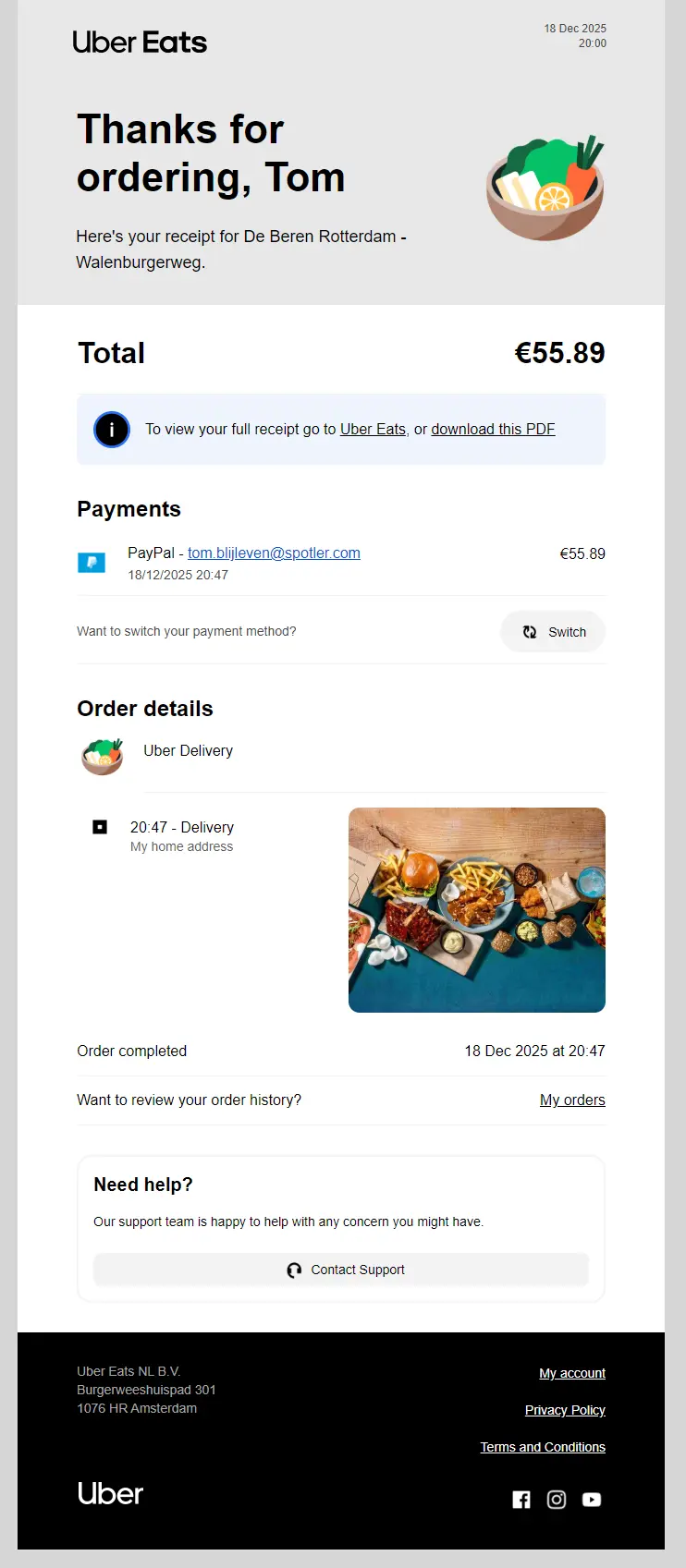
A critical part of the customer journey is the email someone receives after purchasing your product or service. It gives your customer a moment away from your website or app to review what they have ordered, when it will be delivered, and whether anything still needs to be changed.
Because of that, the order confirmation email plays a much bigger role in customer satisfaction than many teams realise. It reassures, informs and sets expectations. Done well, it reduces support questions and strengthens trust. Done poorly, it creates uncertainty at precisely the wrong moment.
So what makes a good order confirmation email? Below, I’ll walk through the most important best practices. I have also included some examples of order confirmation emails found in my inbox that I think effectively convey the message.
The importance of order confirmation emails
Imagine placing an order online and then hearing nothing. No confirmation, no receipt, no follow-up. Most customers immediately start asking themselves the same questions: Has my order gone through? When will it arrive? Or; did something go wrong?
Order confirmation emails remove that doubt. They confirm that the order has been received and that the process has started. This applies not only to webshop purchases, but also to:
- Online bookings
- Appointments
- Subscriptions
- Digital services
In all of these cases, the order confirmation email is the message your customer actively wants to receive.
Are order confirmation emails transactional?
Yes. Order confirmation emails are transactional emails.
Transactional emails are triggered by a specific user action, such as completing a purchase or making a booking. Their primary purpose is to provide essential information related to that action.
This distinction matters. One, because transactional emails are expected, highly relevant and typically achieve very high open rates. Two, they also play an important role in a sender’s reputation and email deliverability. Three, you’re playing by slightly different rules than marketing emails.
The content of an order confirmation email
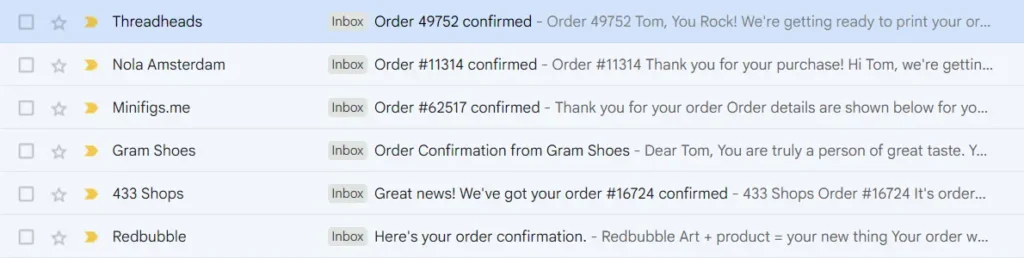
An order confirmation email should always start with a clear summary of what just happened. Often, the subject line already does most of the work, for example: “Thank you for your order #1234”.
When your customer opens the email, it should immediately be clear:
- Which order you are going to process
- Where and when the product or service will be delivered
- Whether the payment was successful or is still pending
- Whether the order can still be changed
Inbox summaries
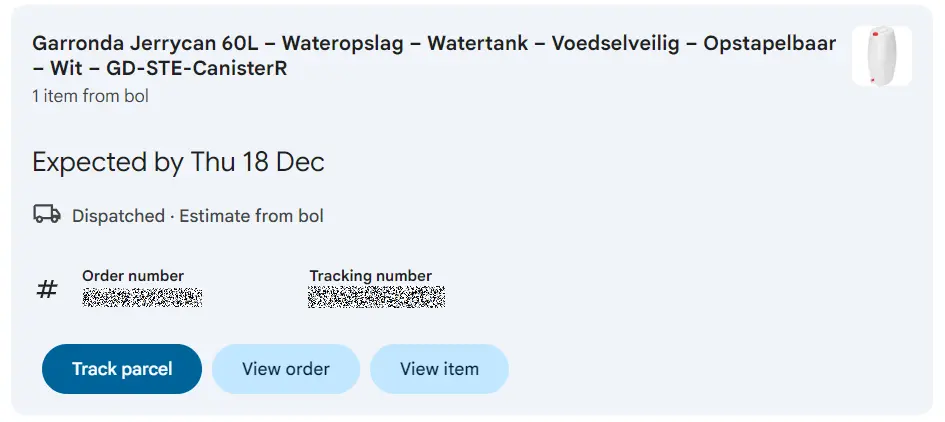
Over the past few years, inboxes have evolved beyond being just a list of unread messages. Apple (Mail), Google (Gmail), and Microsoft (Outlook) are all in their own way trying to retain customers by serving them the best content first. In Gmail, for example, this means that order confirmations can be summarised like this example. Note this is not part of the email itself:
Which order are you going to process?
Everything in an order confirmation revolves around the order itself. Whether it is a laptop or a pizza delivery, the recipient wants to know that everything has arrived correctly on your end.
An email is often easier to revisit than an app or website, which makes it the perfect place for a clear order overview. That overview usually includes:
Order ID or order number
An order number helps both customer and support teams. It is often the first thing requested when someone contacts customer service, so including it prominently, even in the subject line, makes sense. As you could tell from my previous screenshot, 4 out of 6 order confirmation emails I found had the order ID in the subject line.
Products or services ordered
Display the ordered items in a manner that suits the context. In most cases, this means product or service names and quantities. For physical products, images can help. For appointments or services, clarity matters more than visuals.
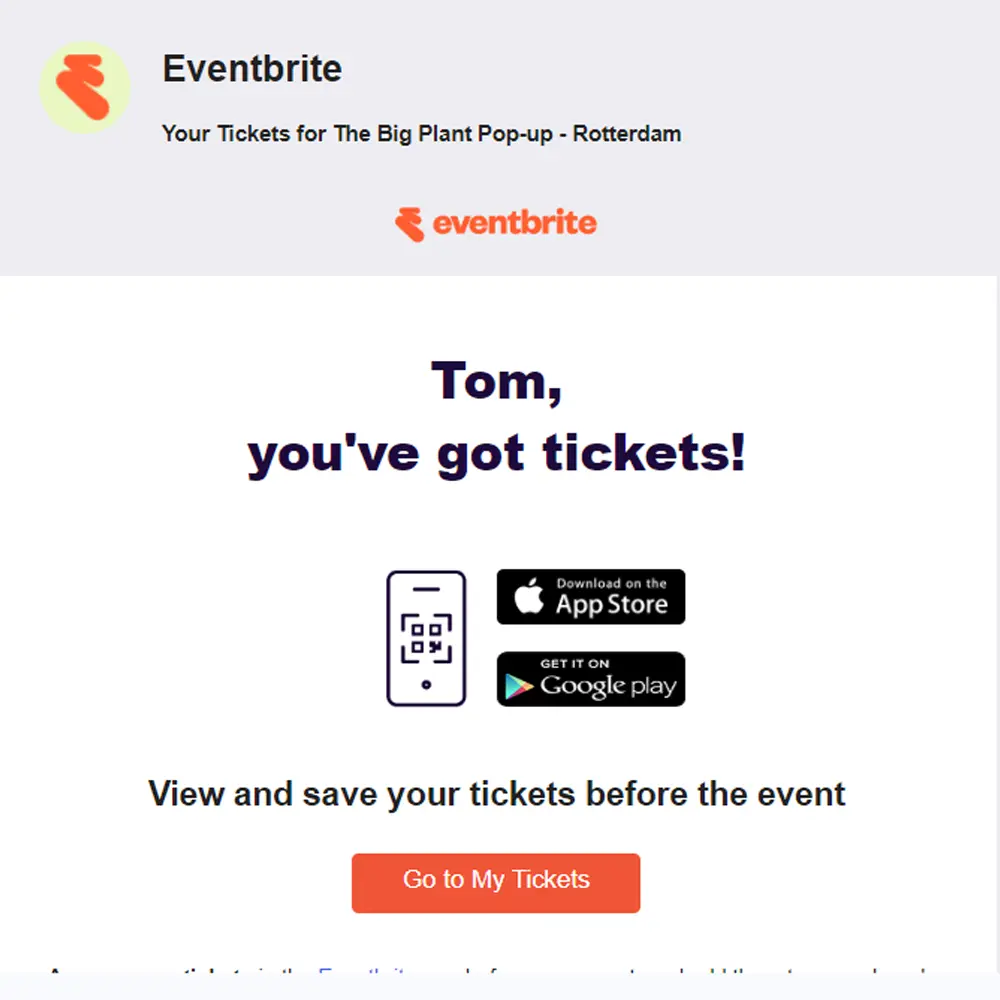
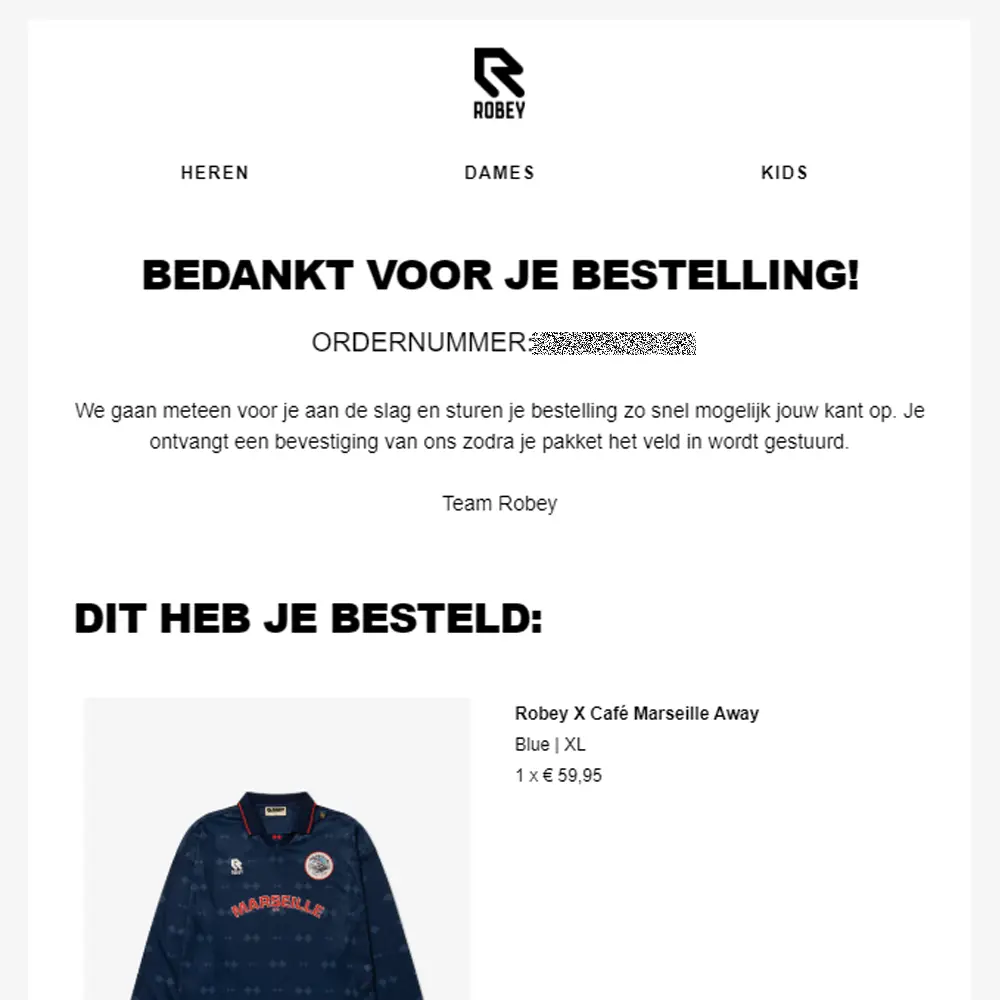
In the examples below, Eventbrite realised that the first ‘action’ people take after ordering tickets is to save them to their phone. Robey, on the other hand, made sure to make the order information as compact as possible to also show the order item ‘above the fold’:
Where and when will the product or service be delivered?
Most online orders involve a place, a time, or both. That is why delivery details deserve clear attention in the order confirmation email.
1. Location of delivery
For physical deliveries, clearly stating the delivery address allows customers to double-check for errors. Typos, outdated addresses or forgotten pickup point selections happen more often than you might think.
For digital products or services, clarity is just as important. Are tickets attached to the email, available via a portal, or sent later? Let the customer know where to find what they have ordered.
The Zalando example below starts with the estimated delivery date, good, and has the delivery address link to Google Maps, perfect, so you know exactly where the delivery will take place. Particularly handy with drop-off points, of course:

2. Method of delivery
While less critical than location or timing, the delivery method still helps manage expectations. Will groceries be left at the door, placed inside, or handed over in person? Is installation included?
If a third-party carrier is involved, mentioning the delivery partner helps customers recognise follow-up emails and reduces suspicion of phishing.
3. Time of delivery
Delivery timing matters. Knowing when to expect a package allows customers to plan, reschedule or ask someone else to receive it.
Where possible, include a delivery window or estimated date. Even a rough indication is better than none.
Track & Trace
Track and Trace links are a powerful way to manage expectations. They provide customers with visibility into the delivery process, reducing “Where is my order?” questions. The same principle applies to ride-sharing, appointments, or other time-based services.
Did the payment go through?
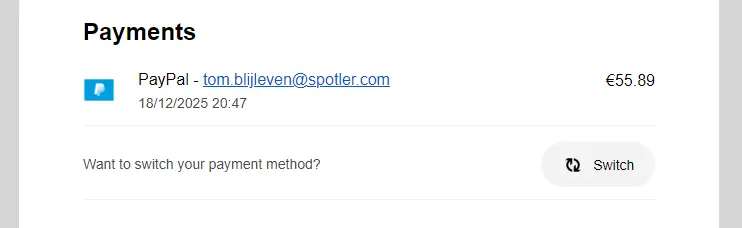
Payment status is essential information for both the customer and the organisation. Your order confirmation email should clearly reflect the current state of payment. Including billing or invoice information helps avoid confusion, especially when billing and delivery addresses differ. This is common for business orders or deliveries to a pickup point.
Adding a clear payment status reassures customers that everything went well, or reminds them that payment is still required. This is particularly useful for delayed payment methods or business cards, where confirmation is not always immediate.
Can the order still be changed?
If an order can be changed or cancelled, your customer needs to know. This is common for appointments, subscriptions and future deliveries, and less so for same-day shipping.
Even when changes are not possible through self-service, clearly showing how to contact customer support can prevent frustration and unnecessary back-and-forth.
Can you include promotions in order confirmation emails?
Another common question is whether order confirmation emails can include promotional content.
In short: yes, but carefully.
Order confirmation emails are transactional by nature. As long as the primary purpose of the email remains confirming the order, small promotional elements are generally acceptable. Think of product recommendations, loyalty reminders or a subtle discount for a future purchase.
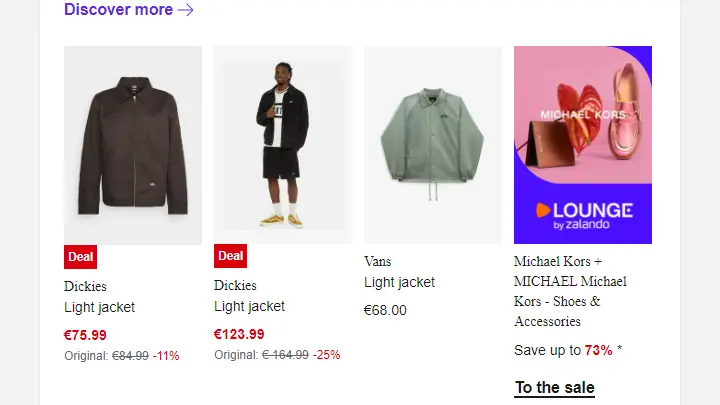
Another Zalando example (it was a phase) demonstrates what subtle up- and cross-sell could look like. Even though the recommended items are fairly similar to my original order, the placement makes sense in an order confirmation. If you’re looking to build something similar, consider using your CDP data in your transactional flows. This way, you’d be able to recommend products that are actually complementary to the purchased items:
What matters is balance. The order details should always come first and remain the main focus. If the promotional content takes over, the email risks being treated as a marketing message, which has consequences for consent, compliance and deliverability.
Order confirmation emails are more than receipts
Order confirmation emails are often underestimated. They are one of the most read emails you will ever send and one of the first real moments of trust after a purchase.
By focusing on clarity, timing and expectation management, you create a better experience for your customers and reduce pressure on your support teams. And with the right balance, an order confirmation can even support future engagement without losing its transactional purpose.
In short, getting order confirmation emails right benefits both you and your customer. Curious to see how Spotler can help you get more out of your order confirmations and other (transactional) eCommerce emails? Sign up for a quick demo and learn more about our products!